Bring your images
Import DICOM files, folders and ZIP archives from Files or a direct HTTPS link.

DICOM · iPhone & iPad
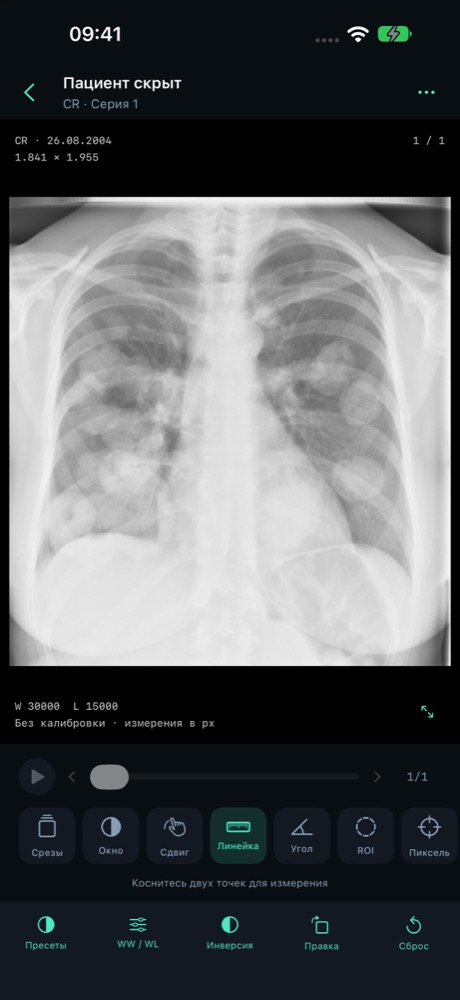
Explore your DICOM images with focused controls for series, windowing and measurements. Your library stays on your device.
Preparing for the App Store. Public downloads are not available yet.
The app interface is currently in Russian.
MIDRC 1.0
Import DICOM files, folders and ZIP archives from Files or a direct HTTPS link.
Browse series, scroll frames, play Cine, adjust WW/WL and compare two series.
Zoom, annotate and measure. Calibrated files show physical units; other files use pixels.
MPR and slab projections for compatible regular series, with a preliminary 3D view.
Search, modality filters, favorites and notes. Optional Face ID or device-passcode protection.
Optional QIDO-RS and WADO-RS access to your HTTPS DICOMweb server. DIMSE is not supported.
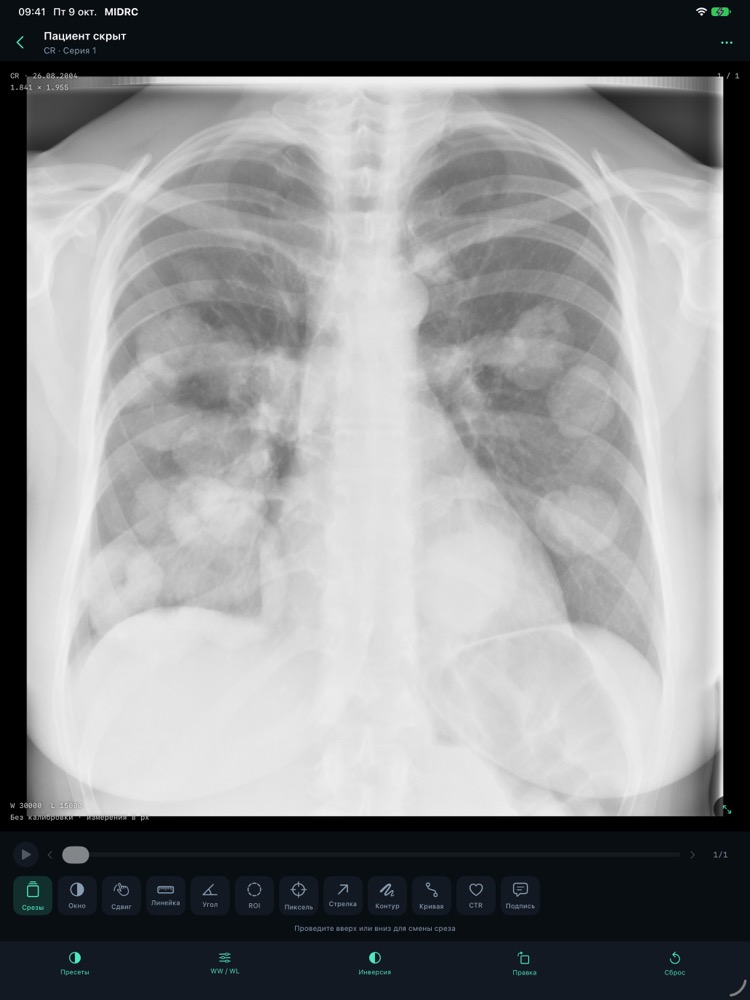
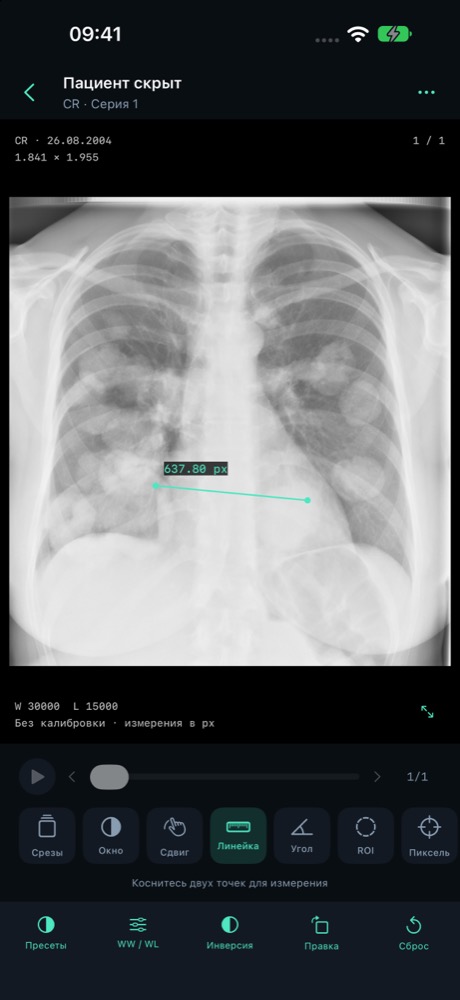
For viewing and study. MIDRC is not represented as a certified medical device and has not undergone clinical validation. Do not rely on it for primary diagnosis or treatment decisions. Measurements depend on source calibration and point selection.
Yes. In Files, find the downloaded DICOM or ZIP and share it with MIDRC, or select it using Import inside the app.
No MIDRC account is required. An optional PACS server may require its own authorization.
No. This website has no study-upload form. MIDRC has no developer-operated image backend, advertising SDK or analytics SDK.
Support depends on the file’s encoding and metadata. MPR requires compatible geometry; incomplete or unsupported files may be rejected with an explanation.